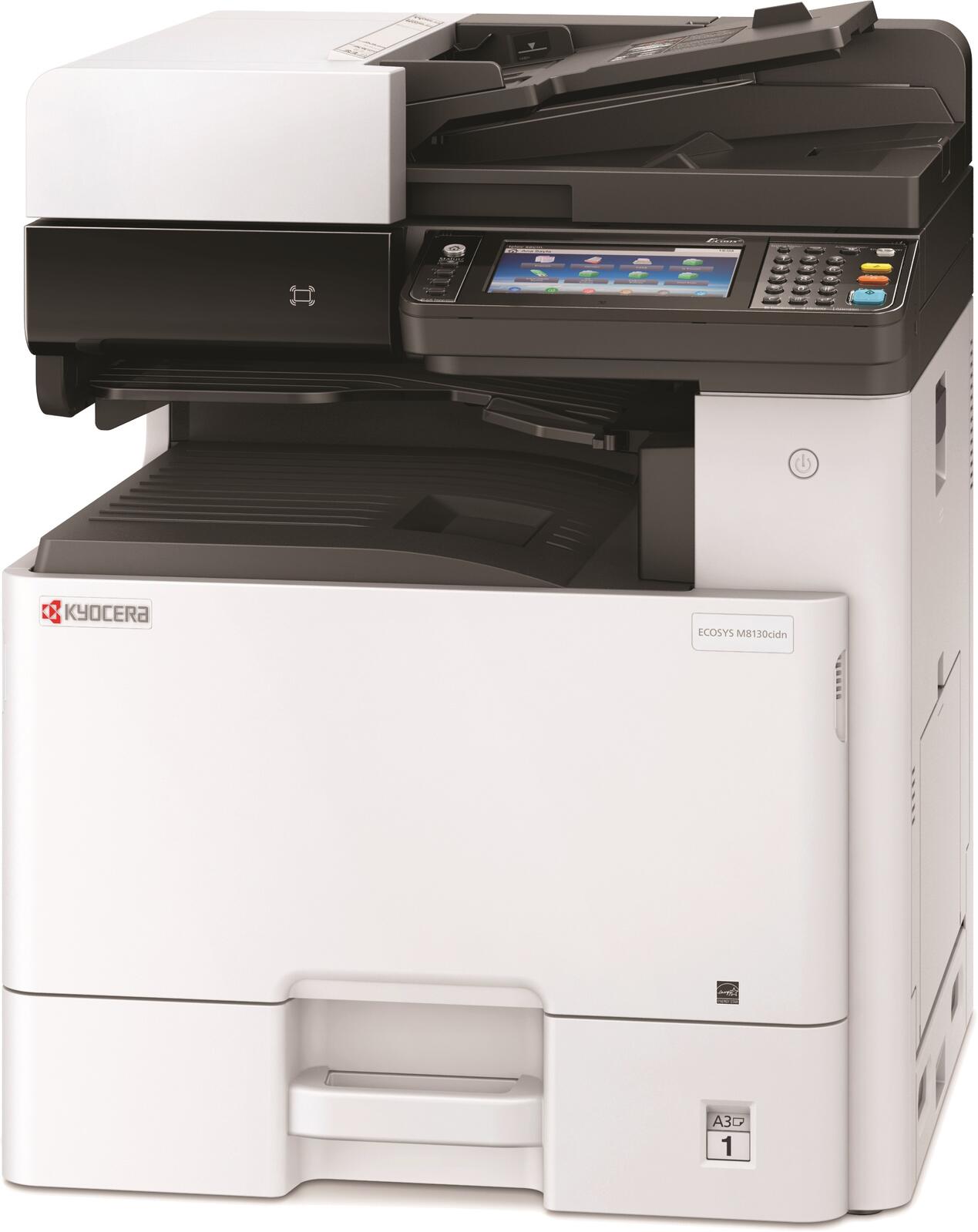
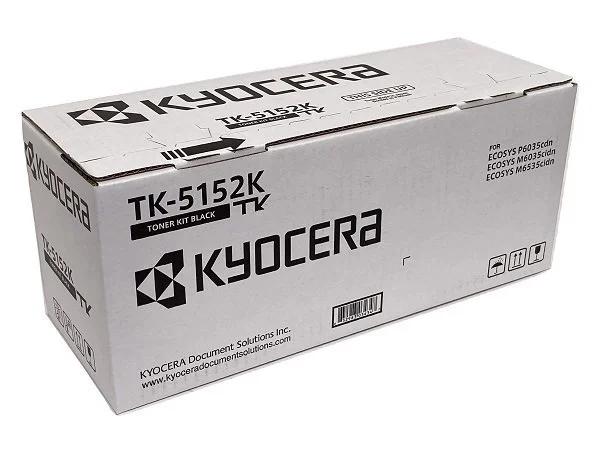
How to install toner
Use the genuine cartridge made for your model and color.
- Open the front cover when your model's screen prompts you.
- Release and remove the empty cartridge for the color shown on screen.
- Hold the new cartridge level and shake it side to side as directed on its packaging.
- Insert the new cartridge fully until it clicks or seats firmly.
- Close the front cover and let the machine finish its on-screen setup prompt.